
Shopify Tutorials

Add Color Swatches to Shopify Collections and Cards (No Apps)
This is for collection cards and featured product cards. Not the product page picker. If you want circles on the product page, use the other tutorial. This one updates the...

Display "Estimated Reading Time" on Blog Pages
Want to improve reader engagement on your Shopify blog? This tutorial shows you how to display an estimated reading time, word count included, on each blog post using a simple...
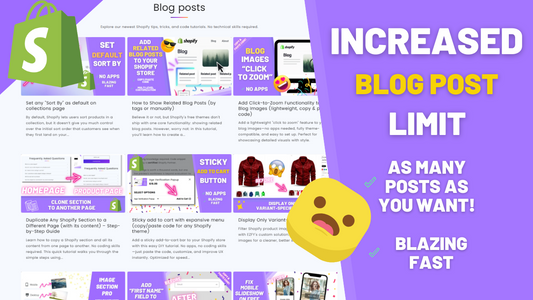
Blog Posts Section: Show More Posts Than Shopify’s Default Limit
If you're using one of Shopify's free themes, you might notice that the "Featured Blog" section only shows a maximum of 4 posts by default. While this limit might work...

Set the default Shopify collection sort (no apps)
Shopify collections do not let you set the default Sort by from the admin. A snippet on the collection template can force newest, best selling or price as the first...

How to Show Related Blog Posts (by tags or manually)
Believe it or not, but Shopify's free themes don't ship with one core functionality: showing related blog posts. However, worry not: in this tutorial, you’ll learn how to create a...

Add Click-to-Zoom Functionality to Your Blog Images (lightweight, copy & paste code)
Add a lightweight "click to zoom" feature to your blog images—no apps needed, fully theme-compatible, and easy to set up. Perfect for showcasing detailed visuals with style.

Duplicate Any Shopify Section to a Different Page (with its content) – Step-by-Step Guide
Learn how to copy a Shopify section and all its content from one page to another. No coding skills required. This quick tutorial walks you through the simple steps using...

Sticky add to cart with expansive menu (copy/paste code for any Shopify theme)
Add a sticky add-to-cart bar to your Shopify store with this easy DIY tutorial. No apps, no coding skills—just paste the code, customize, and improve UX instantly. Optimized for speed...

Display Only Variant-Specific Images
Filter Shopify product images by selected variants with EZFY's custom solution. Show only relevant images for a cleaner, better shopping experience.

Fixing broken responsive images on Shopify
Learn how to fix images being cut off on mobile.
![How to add a "name" field to the newsletter section [all free themes]](http://ezfycode.com/cdn/shop/articles/dawn-first-name-1200x675.png?v=1743019092&width=533)
How to add a "name" field to the newsletter section [all free themes]
Add a "name" field to your Shopify theme's newsletter section and footer.
![Show mobile banner & slideshow’s text on top of image [all free themes]](http://ezfycode.com/cdn/shop/articles/hover-1-1200x675.png?v=1744518107&width=533)
Show mobile banner & slideshow’s text on top of image [all free themes]
Move your text content on top of your slideshow's images to ensure you provide key information as soon as your customers arrive onto your website.
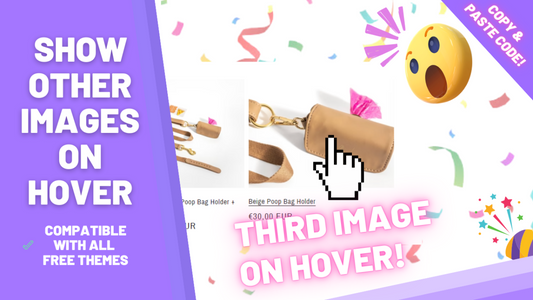
Choose which image to show on hover (instead of the second one)
Tired of always displaying the second image on hover? Learn how to choose which image to show whenever users hover over your store's products.
![Add color swatches to the product page [NO apps]](http://ezfycode.com/cdn/shop/articles/dawn-badges-5-1200x675.png?v=1733036188&width=533)
Add color swatches to the product page [NO apps]
Replace your products' color names with actual colors. Free and simple, no apps.
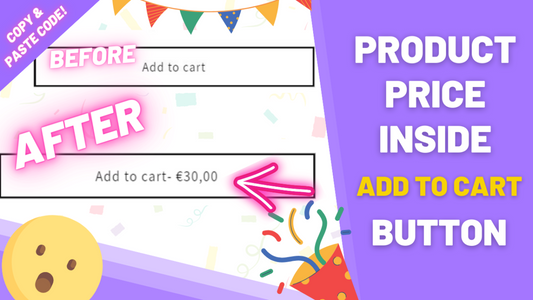
Show the price inside the Shopify add to cart button
Learn how to display the variant's price in the "add to cart" button of your product pages. Price is updated dynamically when the variant changes.

How to add a custom background image to any Shopify theme (no apps, 2026 update)
Learn how you can add a custom background image to your website's pages.

Make a Shopify image banner clickable (Dawn, no apps)
Learn how to make the original Dawn theme's banner clickable without heavy customizations.
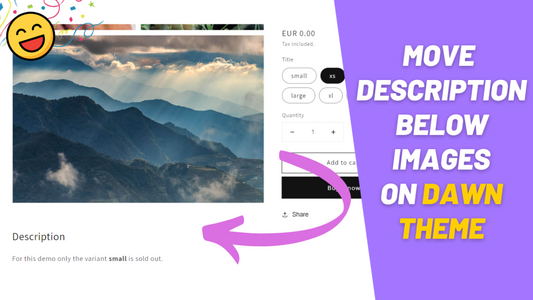
Full width description below images for all free themes
Learn how to move the products' description below images on the Dawn theme.
![Hide price when sold out [all free themes]](http://ezfycode.com/cdn/shop/articles/debut_slideshow-2-1200x675.png?v=1733133483&width=533)
Hide price when sold out [all free themes]
Hide Dawn theme's sold out product prices by pasting one single piece of code.
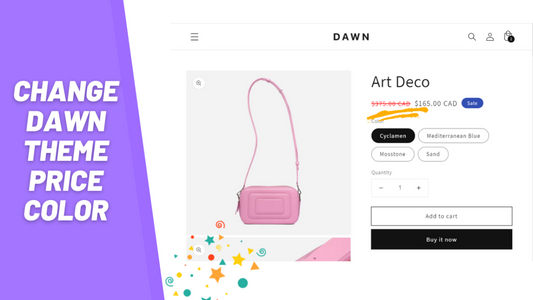
How to change the price color
Learn how to change the price color in the Dawn theme with just a bit of CSS code.
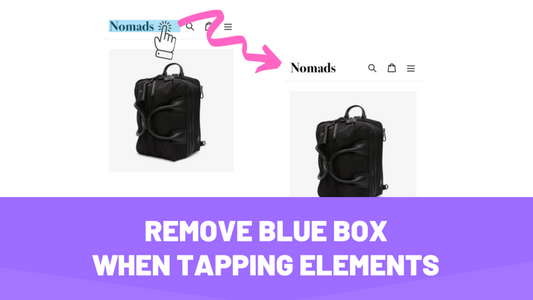
Removing blue box whenever tapping or clicking elements
Quickly remove the blue background that appears on clickable elements. Works on every theme.
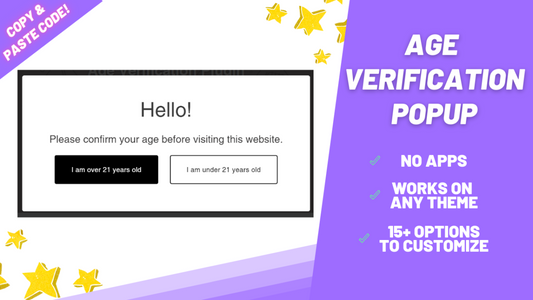
Adding an age verification popup without apps to any Shopify theme
Effortlessly add an age verification popup to your Shopify theme. No apps required.

Add a custom font to Shopify (no app, any theme)
Learn how to add custom fonts to your Shopify theme, step by step. Works with any web font.
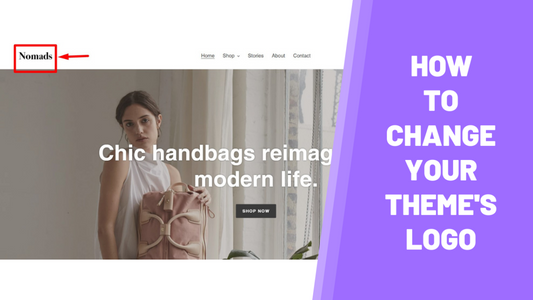
How to change the Shopify header logo (any theme)
Change or update your theme's logo. Works with any Shopify theme.